
The tools you need to stay organized as a caregiver
App features that allow you to track care details, manage schedules, and keep everyone informed, all in one place.
Explore features designed for real-life caregiving

Central Care Hub
Daily Log
Time Tracking
Medication Tracking
Document Storage
Calendar Syncing
Customizable Tracking
Loaded with Resources
Designed for ALL Care Situations
Central Care Hub
-
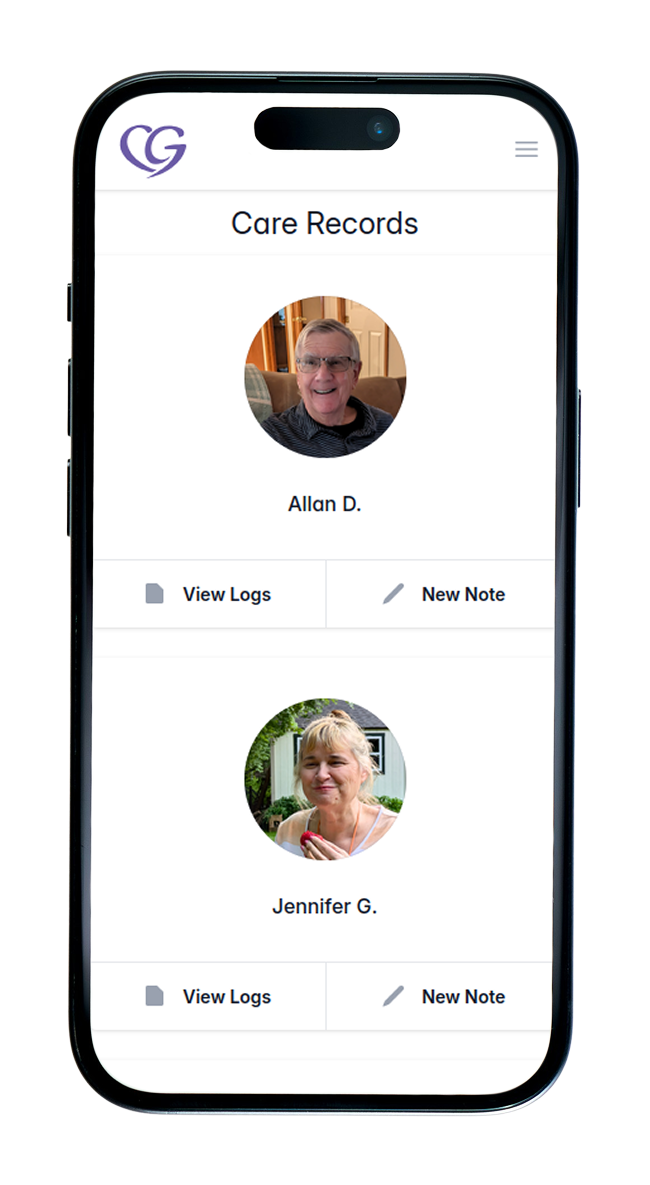
Provides a single, secure, and easily accessible place to store all caregiver information; daily care logs, notes, medication reminders, documents, and more.
Create a care record (profile) for the person you care for and add all relevant information in one place.
-
Misplaced care folders and scattered information.
No more losing, misplacing, or forgetting important details. Everything is securely stored and accessible from your phone when you need it.
-
Always having your care recipient’s information on hand.
-
Primary caregivers,
private duty caregivers
care agency staff
family and friends
Especially helpful throughout the day while providing care and recording updates, when keeping track of logs, notes, medical paperwork, appointments, and legal documents can quickly become overwhelming.
Daily Log
-
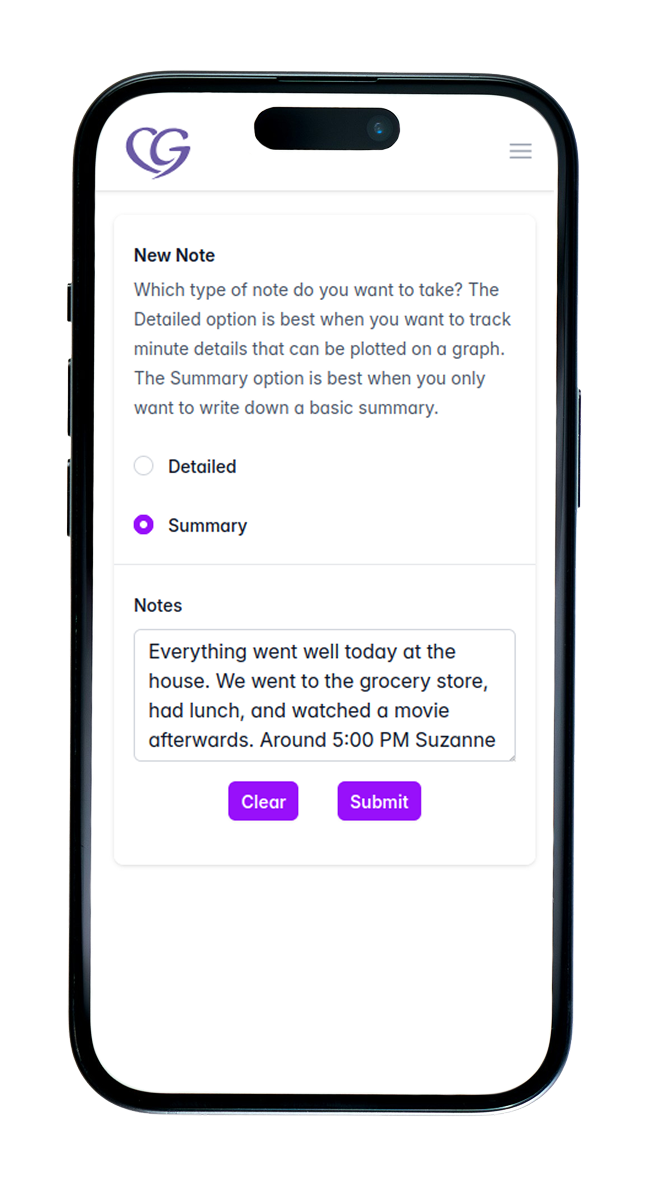
Creates a clear, organized digital format for recording daily care logs throughout your day as a caregiver. Logs are organized by date, with individual entries as notes, and can be easily searched by keywords or phrases.
Create a daily log and start recording the information you want to track.
-
Lost or misplaced care logs, bulky binders, and difficulty finding important information quickly.
No more losing logs or digging through paperwork. Everything is easy to access, searchable, and always with you.
-
Always having your care recipient’s care logs and notes on hand.
-
primary caregivers
private duty caregivers
care agency staff
family and friends
Especially useful throughout the day while providing care and recording updates, when quick access to organized notes and past entries is essential.
Time Tracking
-
Enables caregivers to accurately record and track the time they spend providing care.
Start and end a session with a simple action. No manual tracking or paperwork needed.
-
Tracking caregiving hours across handwritten notes or multiple timesheets can be inconsistent and hard to manage.
This simplifies time tracking into one reliable record, making it easier to ensure accuracy for payroll, track volunteer hours, and clearly show the level of care being provided.
-
A single, reliable record of time spent caregiving.
-
Primary caregivers
private duty caregivers
care agency staff
family and friends
Used at the start and end of each caregiving shift to accurately record time without added effort.
Medication Tracking
-
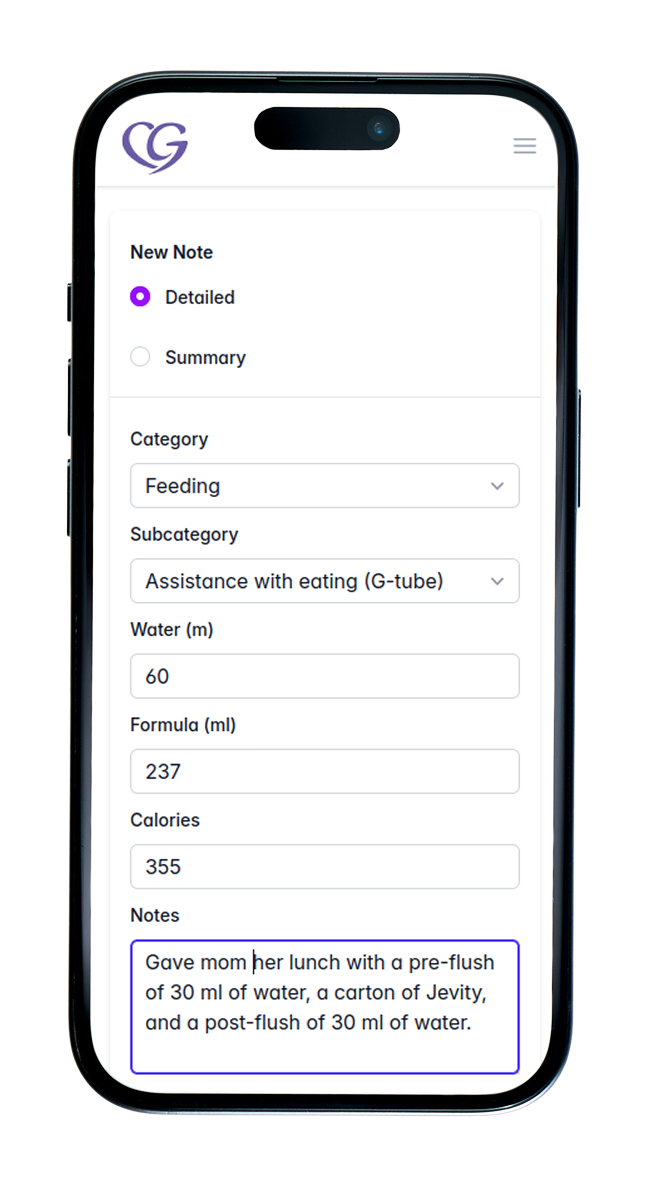
Creates events in your preferred calendar to remind you when medications are due.
Medication tracking also logs each administration (date and time) directly into your daily log with a single click.
-
Forgetting to administer medications or record them properly in daily logs.
Staying on schedule is critical.This helps ensure medications are given on time and accurately documented without extra steps.
-
Timely reminders with automatic medication logging.
-
Primary caregivers
private duty caregivers
care agency staff
family and friends
Used throughout the day when administering medications and recording each dose.
Document Storage
-
Scan and upload important documents to one secure, reliable place.
Store them privately or attach them to daily care logs to share with others, keeping everything organized and easy to access.
-
Important documents can easily be misplaced, damaged, or lost in the daily routine of caregiving.
Keeping everything stored digitally ensures documents stay safe, organized, and available when you need them.
-
Easy access to important documents in one secure place.
-
Primary caregivers
private duty caregivers
care agency staff
family and friends
Useful anytime important documents need to be stored, shared, or quickly accessed.
Calendar Syncing
-
Sync your personal calendar with the care record calendar in CG Notes to view appointments, medication reminders, caregiving shifts, and more.
-
Juggling appointments, shifts, and reminders across different places can be overwhelming and easy to lose track of.
Bringing everything into one calendar helps reduce stress and ensures nothing important is missed.
-
A clear, unified view of everything related to care.
-
Primary caregivers
private duty caregivers
care agency staff
family and friends
Used every day to stay on top of schedules, appointments, and care-related tasks.
Customizable Tracking
-
Enables caregivers to create custom tracking fields for the specific needs of the person they care for.
For example, a parent can track diaper changes and feedings for a newborn by creating simple fields within a daily log and recording them as needed.
-
Using pen and paper or multiple apps to track different things can quickly become overwhelming.
Customizable tracking brings everything into one place, reducing mental load and making it easier to stay consistent.
-
Track exactly what matters. Your way, in one place.
-
Primary caregivers
private duty caregivers
care agency staff
family and friends
Useful anytime specific details need to be tracked consistently, based on individual care needs.
Designed for ALL Care Situations
-
CG Notes adapts to any caregiving scenario (tracking a newborn’s routine, managing post-surgery care, supporting mental health, or coordinating long-term elder care).
You choose what to track, log, and organize based on your needs. No rigid system or one-size-fits-all setup.
-
Most tools are built for a single type of care, forcing caregivers to juggle multiple apps or use something that doesn’t fully fit.
This creates gaps, confusion, and extra work, especially as care needs change over time.
-
One flexible system that adapts as care needs evolve.
-
Caregivers supporting multiple people (e.g., child and parent),
situations that evolve over time (injury → recovery → long-term care),
anyone who doesn’t fit neatly into one category of caregiving.
Ideal for those who want one simple system instead of juggling multiple tools.
Loaded with Resources
-
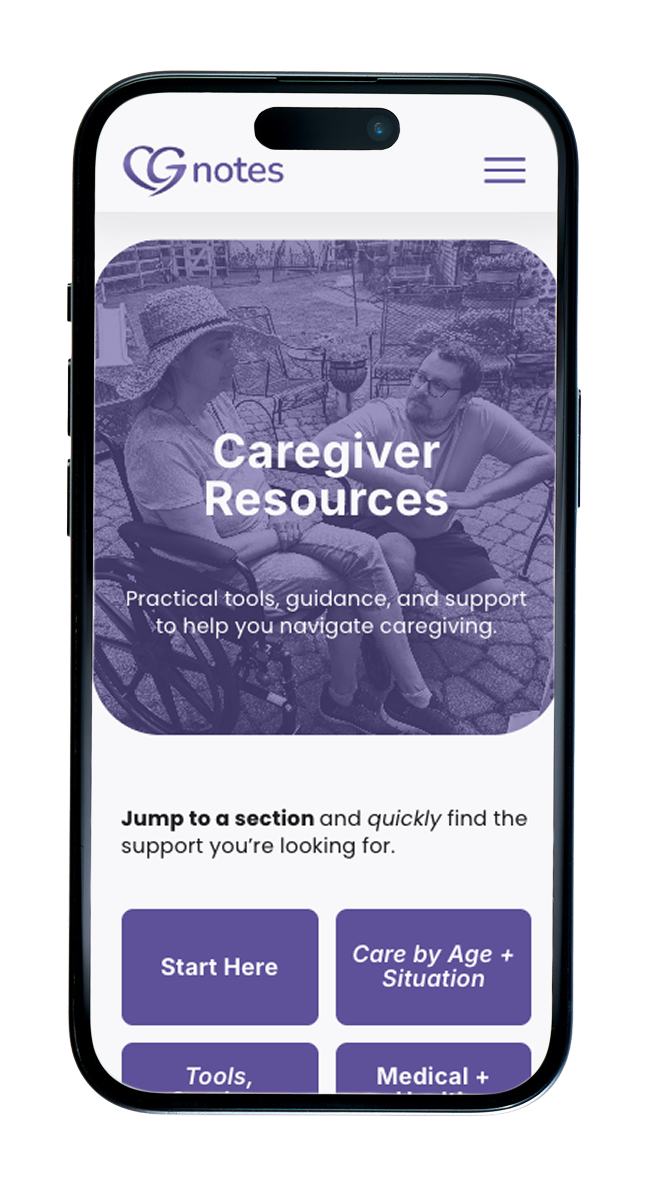
A collection of resources organized by real-life needs (age, condition, daily care, and caregiver support).
Browse by category, find what applies to your situation, and access trusted tools, guides, and support.
-
Caregivers often spend hours searching for reliable information; jumping between sites, second-guessing sources, or not knowing where to start.
This leads to frustration, decision fatigue, and missed support when it’s needed most.
-
Quick access to trusted resources, without endless searching.
Less time looking for answers, more confidence in what you’re doing.
-
New caregivers who don’t know where to start,
those navigating a new diagnosis or stage of care,
anyone feeling overwhelmed or unsure what to do next.
Especially helpful in moments when you need answers quickly.
FAQs
What can I track with CG Notes?
1
You can track daily care activities, notes, medications, schedules, and even log care-hours. You can also create your own custom items to track anything specific to your situation, so CG Notes adapts to your caregiving needs.
Can I use CG Notes for different types of care?
2
Yes. Whether you’re caring for a healthy newborn, a sick child, an aging family member, a client, or someone recovering from injury or illness, CG Notes can be customized to fit your specific individual needs.
How easy is it to find past information?
3
All entries are organized by date and are easy to search, so you can quickly find past notes, updates, or care details without digging through records.
Can I access CG Notes on multiple devices?
4
Yes. You can access your care records from your phone, tablet, or computer, so your information is always available when you need it.
Will CG Notes work with my existing daily routine?
5
CG Notes is designed to fit into your day, not disrupt it. You can log updates as you go, stay organized, and keep everything in one place without adding extra work.
Smart tip: Use talk-to-text to log notes without stopping what you’re doing.
Ready to see how much simpler caregiving can be?
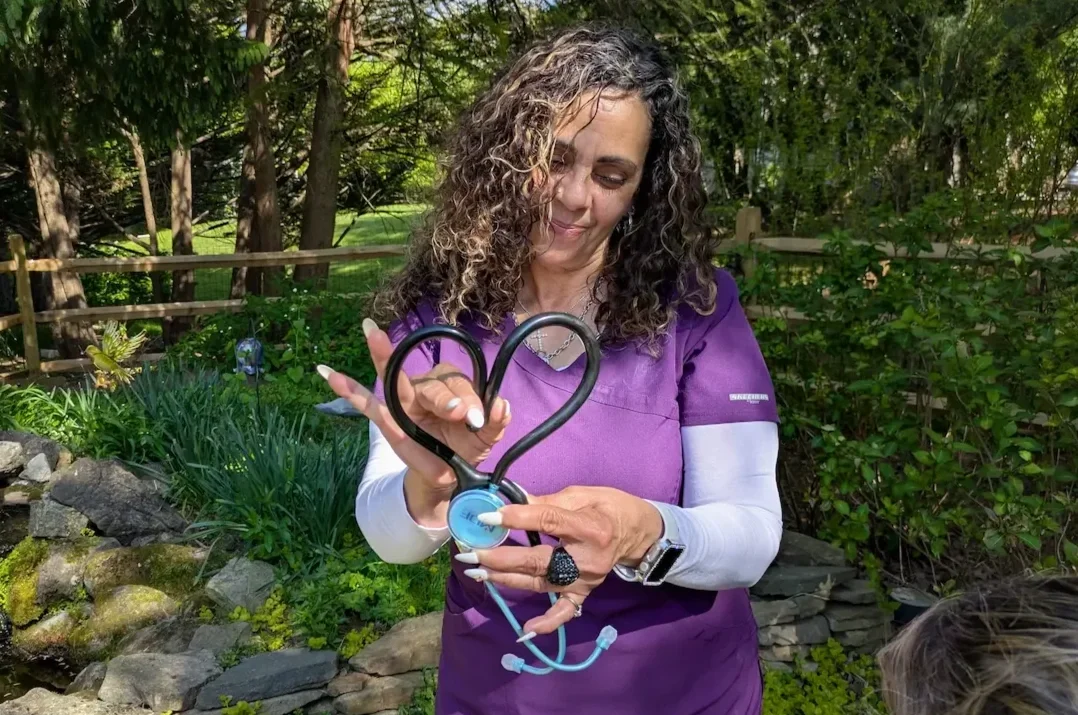
Set up your CG notes in just minutes and invite your inner care circle at any time.
*no commitment required to get started