
Getting Started with CG Notes
Our process is simple and designed to fit naturally into your existing routine.
Simple, flexible, + easy to use.
1
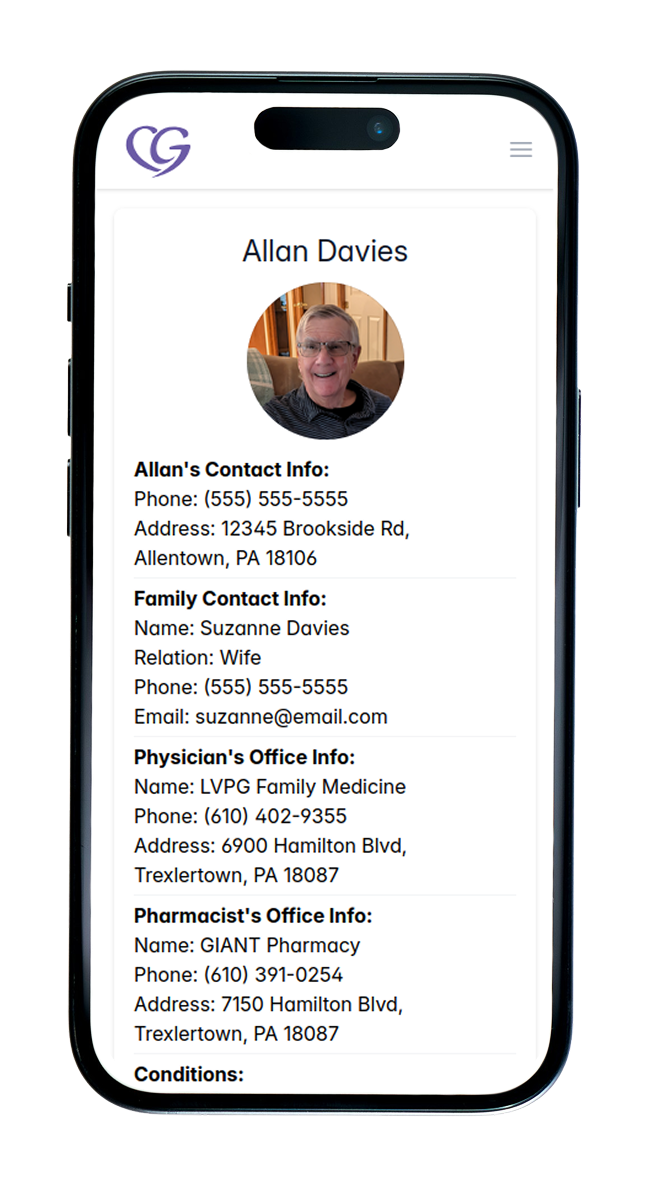
Set up your care profile
Start by creating a care profile for the person you’re supporting (care recipient). Add key details like medications, appointments, routines, and any important notes you want to keep in one place.
You don’t need to add everything at once, just begin with what you have and add to it over time.
2
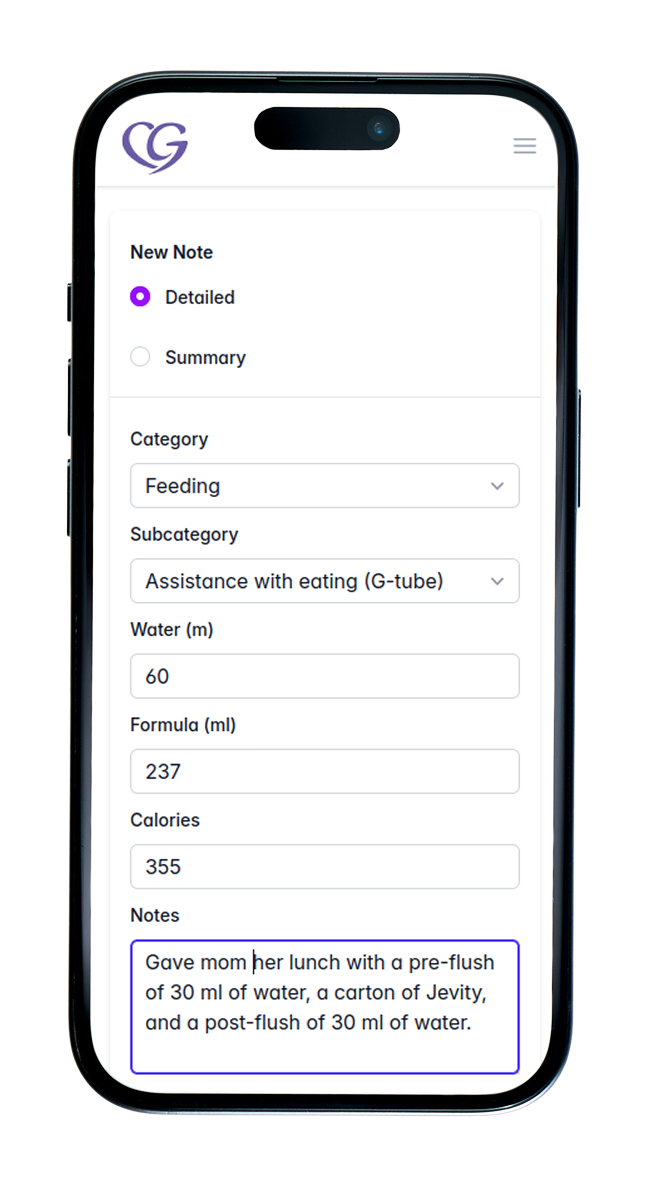
Track + update daily details
As care happens throughout the day, quickly log notes, track medications, and update tasks or schedules. Set reminders for important things so nothing gets missed.
Everything is saved in a clear, organized format, making it easy to stay on top of daily care without relying on memory or scattered notes.
3
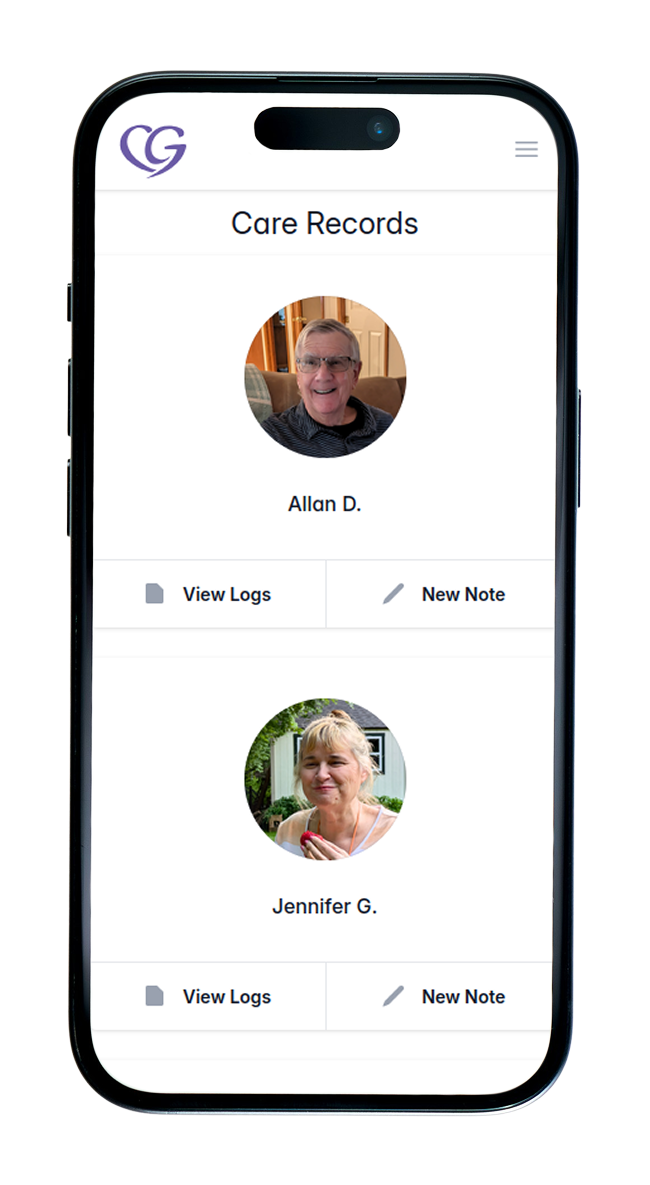
Stay organized + keep everyone informed
Review care history, stay on top of schedules and reminders, and share updates with family or other caregivers. Everyone stays on the same page without repeated conversations.
What you’ll need :
Before you begin, it helps to have a few things ready:
Care recipient details
Any schedules or routines
Medications or important notes
Contact info for anyone you’d like to invite
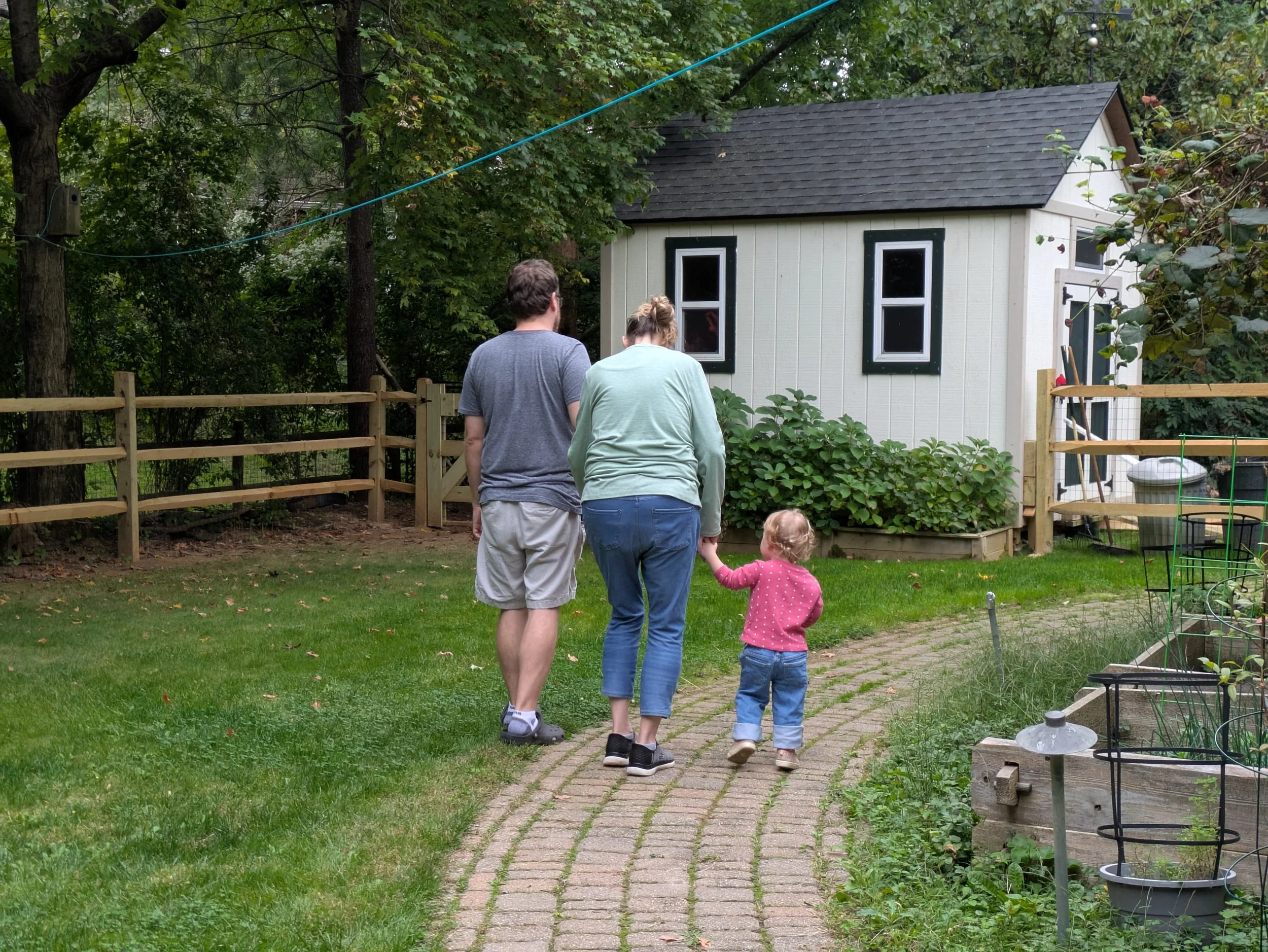
Start simple, add what you need over time, and adjust as things change.
Easy as that.
FAQs
How long does it take to get set up?
1
Creating an account takes 5 minutes or less, and you can start using CG Notes immediately. You don’t need to complete everything upfront, just begin with what you have and add details as you go.
Do I need to add everything right away?
2
No. You can start with the basics and add more information over time. CG Notes is designed to be flexible, so you can build out your care records as needed instead of doing everything all at once.
Can I invite family members or care partners later?
3
Yes. Family, professionals, and others can be given access to the same care profile and stay updated in real time. Access can be given or revoked at any time.
What if I’m not tech-savvy?
4
CG Notes is designed to be simple and intuitive. If you can use a smartphone, you can use CG Notes. The app is built with a mobile-first approach and regularly tested to ensure it’s easy to navigate.
Start simple. Stay organized. Breath easier.
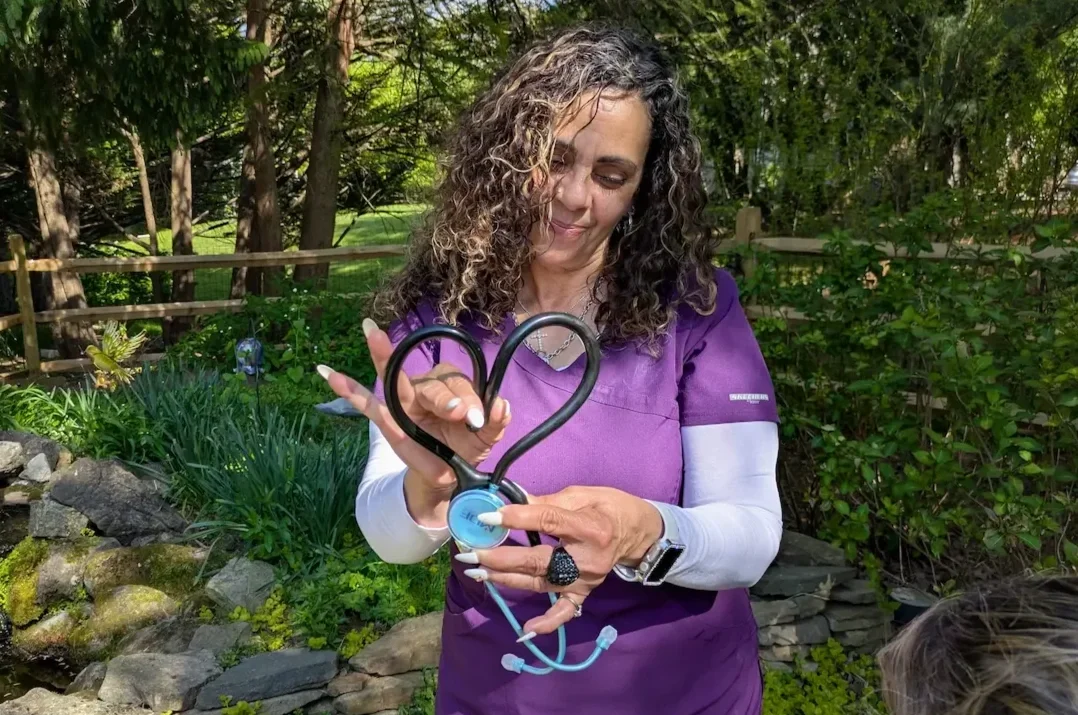
Set up your CG notes in just minutes and invite your inner care circle at any time.
*no commitment required to get started